AI Whatsapp Automation

Turn WhatsApp into your personal assistant with our AI WhatsApp Automati on for smarter AI communication. Broadcast campaigns, automate conversations, generate leads, and empower sales teams to close deals instantly.

Start Now
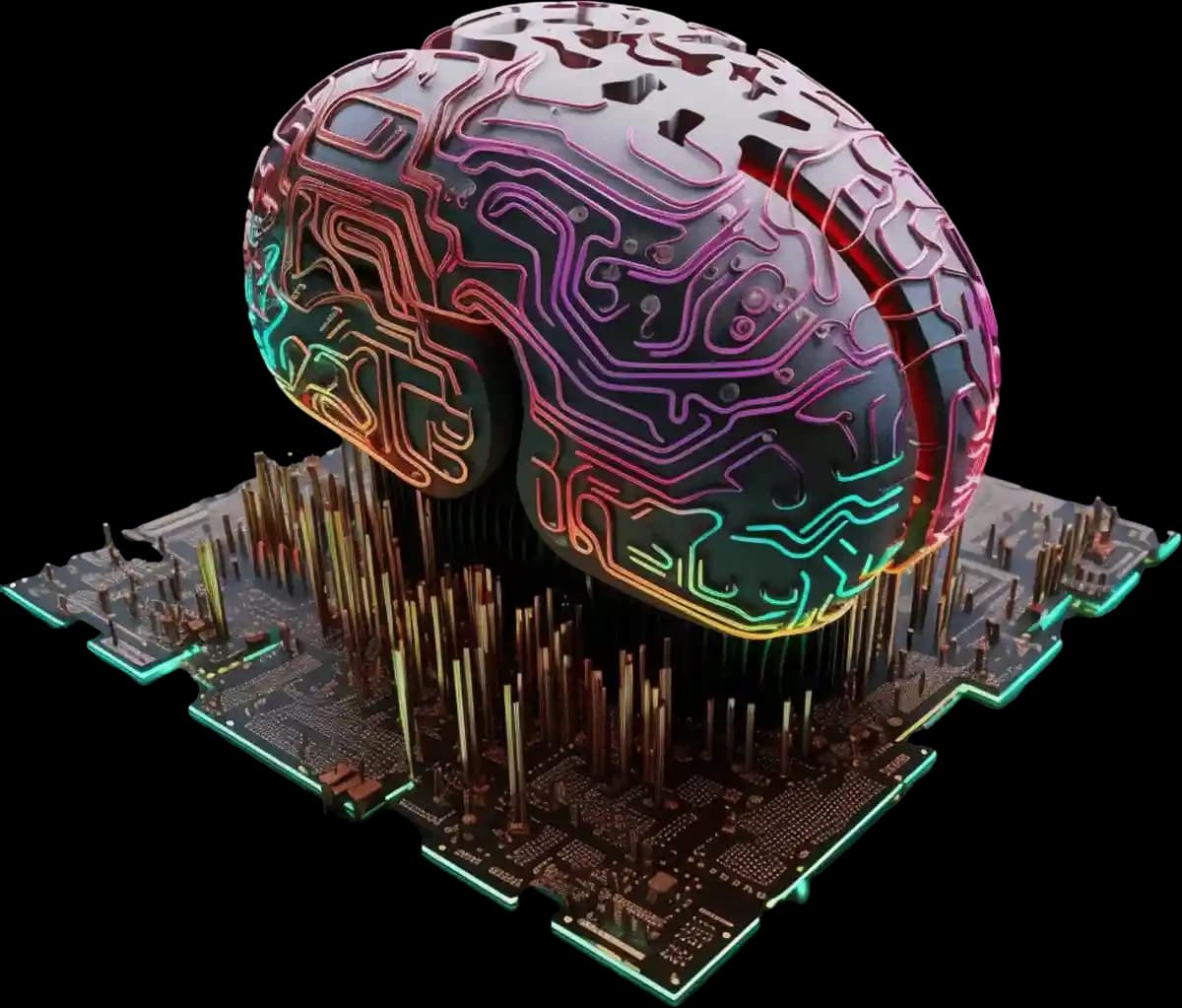
AI WhatsApp automation brain illustration

A New Era of Customer Conversations

We develop smart chatbot systems for WhatsApp, customized to your business needs. Our mission is to automate communications into smooth, fast, multilingual, and effective customer engagement with the power of AI.

AI chatbot icon

Why Businesses Need AI WhatsApp Automation

Customers expect instant replies and correct answers. Traditional messaging tools cannot manage thousands of chats simultaneously. AI WhatsApp Automation bridges this gap. It reduces waiting times, keeps the brand active 24/7, and lets sales and support teams focus on real & complex tasks.

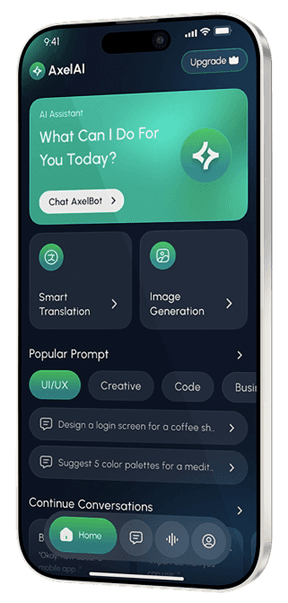
Mobile-whatsapp-chatbot
AI chatbot icon

What AI WhatsApp Automation Means

AI WhatsApp automation runs real conversations on WhatsApp through smart chat flows. The chatbot answers questions, generates leads, sends alerts, processes orders, and routes issues to agents when needed. It understands text, voice notes, images, and PDFs. It keeps context through memory, so replies are proactive. It connects with CRM, helpdesk, and analytics systems through secure APIs.

How it Works

Your Roadmap to AI Setup in WhatsApp

A Quick Guide to Step-by-Step WhatsApp AI Setup

Get Started
Step 1 – Setup & Connection

Connect your WhatsApp Business API or WhatsApp Cloud API with our platform to enable your customized bot access.

01
Step 2 – Customize & Train

Define workflows, upload FAQs, upload instructions & guidelines, & train the bot with business-specific data for accurate responses.

02
Step 3 – Launch & Engage

Activate the bot, run test conversations, and roll it out to handle live customer interactions.

03
Step 4 – Analyze & Optimize

Monitor chat analytics, identify gaps, observe missed points, and update workflows or training data to improve performance.

04

Engage Customers 24/7 with Smart Chatbots

Never miss a conversation again. Our AI-powered chatbots keep your business available around the clock

AI WhatsApp chatbot mobile interface

Enhanced Customer Experience with Innovative Features

API Connections Feature

API Connections

Your system integrates through specific APIs compatible with trusted business tools. Reliable integrations with CRM platforms like HubSpot and Salesforce, eCommerce systems such as Shopify, and workflow tools like Zapier, n8n, and Make keep your WhatsApp chats synced with customer data and campaigns.

Customer Insights Feature

Customer Insights

Every chat leaves a trace of what customers feel and ask. Our dashboard turns those traces into insight. You can see what questions repeat, which messages win responses, and when people drop out of a conversation.

Data Analytics Feature

Data Analytics

You can observe conversation logs, results, chat volume, open rate, resolution time, satisfaction trend, and lead quality. Data reports are shown in a visual format so that teams can act on facts, not guesses. You decide what to track, and the system records it automatically.


User experience
Multilingual Support Feature

Multilingual Support

Your customers speak a variety of languages, and your chatbot can respond to them all. Every customer can read and write in his or her own language, be it English and Spanish, or Arabic and Hindi. The system identifies the language of the user and responds to the language in the same type and tone.

Team Collaboration Feature

Team Collaboration

Support, sales, and marketing teams share one space. Each member views the same conversation history and context. Tasks move quickly, and customers never feel lost between departments.

AI Training Center Feature

AI Training Center

Training never stops. A built-in hub lets you upload new FAQs and product sheets anytime. The chatbot studies those materials and updates its understanding without disturbing workflows. You can test and see how new data improves accuracy.

Industries That Benefit Most with InboxX

Who Uses Inboxx.ai?

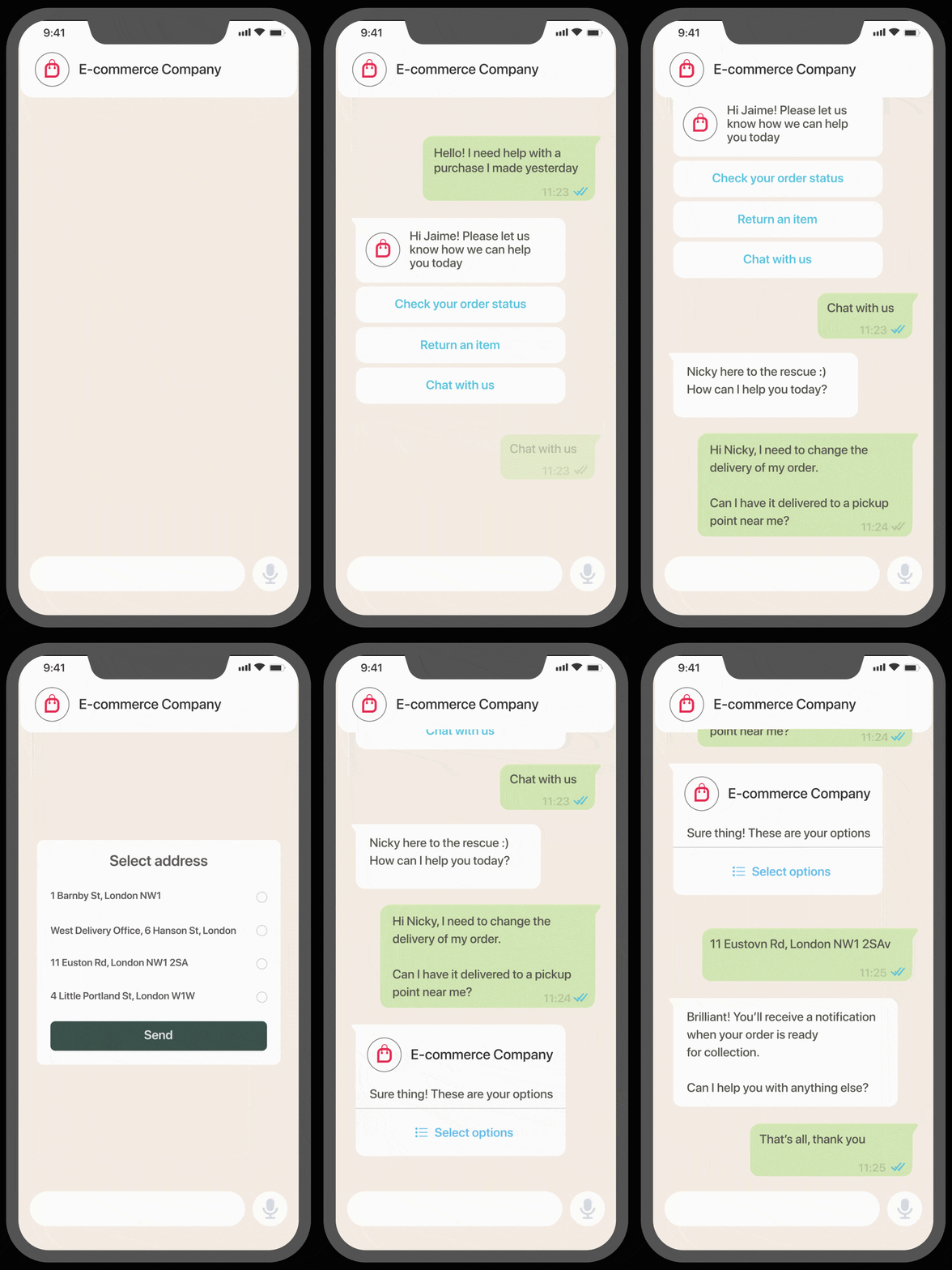
E-Commerce mobile demo
Retail and eCommerce

Send order updates, confirm payments, send delivery updates and recover carts through WhatsApp.

  • Efficient team collaboration for faster response times and problem-solving.
  • Personalized customer support and notifications with tailored recommendations.
  • Seamless integration with CRM systems for effective data management.
  • Analytics and reporting for team performance monitoring.
  • Automations to save time and efforts.
  • Ad-hoc notifications to maximize conversions.

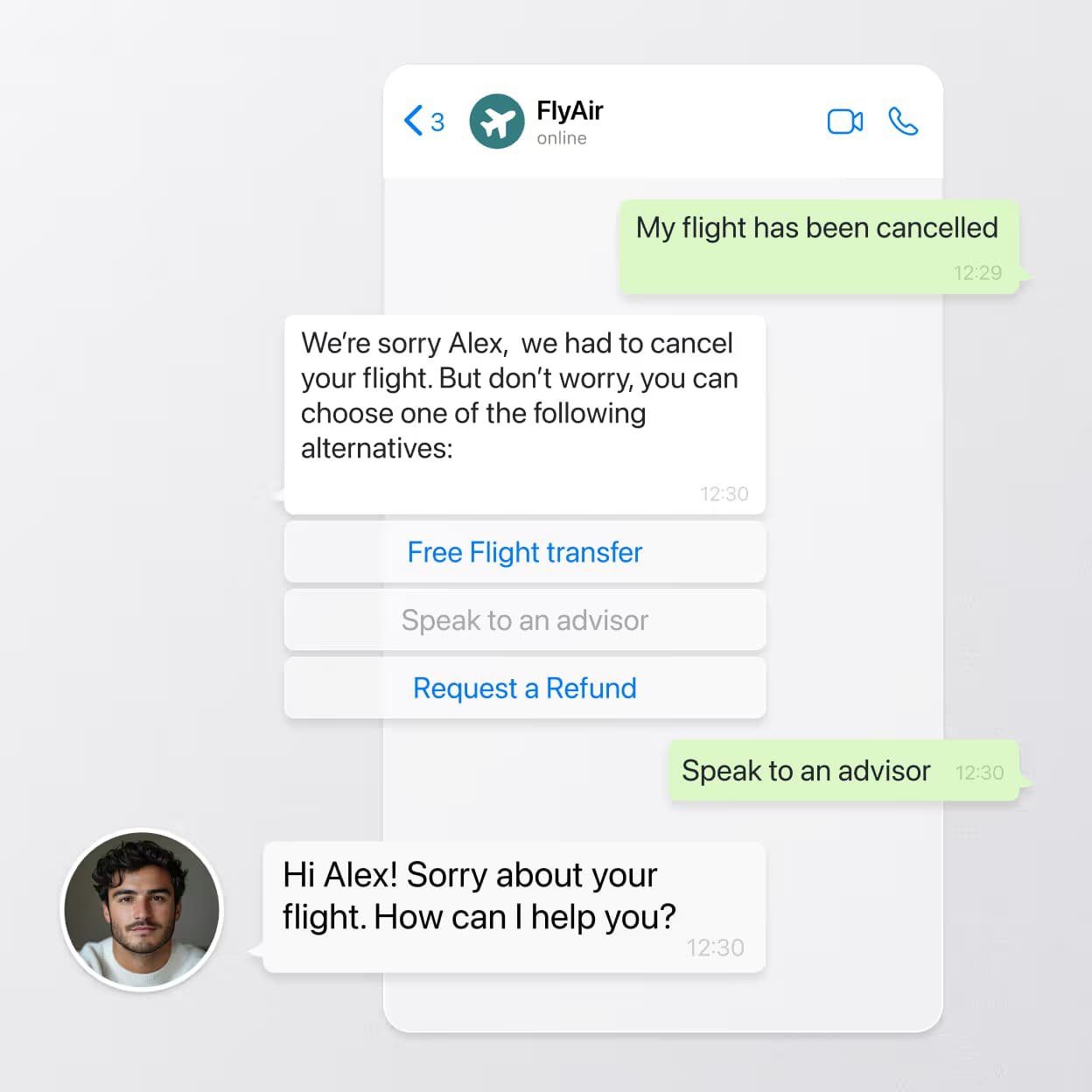
From AI to human

When an AI agent qualifies a lead, your team gets the full conversation history, tags, and context. No duplication, no guesswork — just a smooth handoff so your sales reps can focus on closing.

  • Invite as many agents as you need: scale up your team as your business evolves.
  • Assign roles to your agents: design your team's hierarchy within Wassenger.
  • Define chat permissions for each role: control who can access chats and what actions they're permitted to take based on roles.
  • Assign chats to specific agents: automatically or manually assign chats or groups to specific team members.
  • Check what your agents are doing at any time: our cooperative chat allows you to see if an agent is reading or writing in a chat to avoid overlapping.
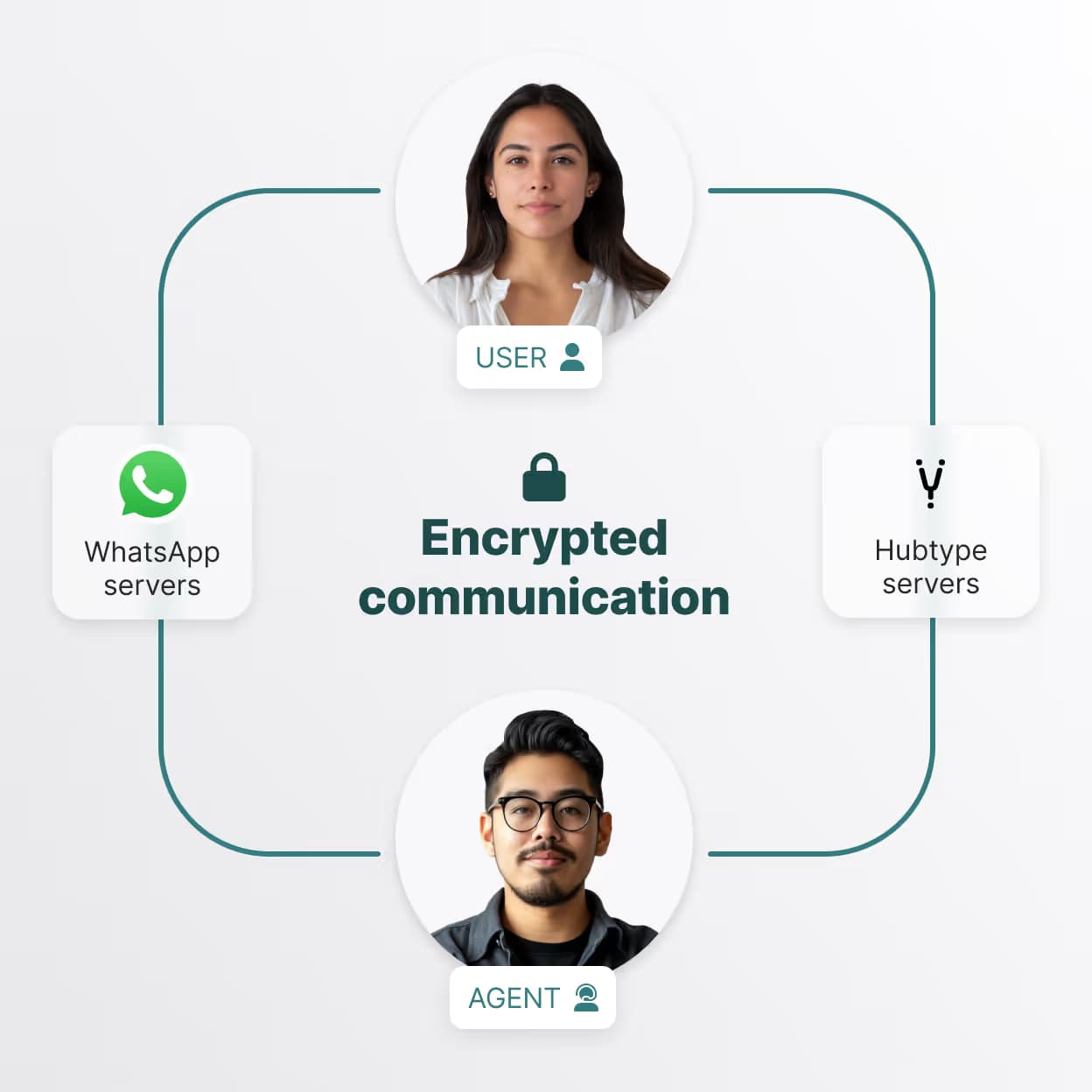
Absolute security illustration

Absolute security for companies and customers

For our partners, security is critical. Our systems and messaging channels are both extremely secure options for any business looking to build chat-based customer service. Our chats have end-to-end encryption on messages, secure SSL Webhooks, and we are also ISO 27001 certified. For details on our information architecture, security testing and more, contact us below.

Cut costs illustration

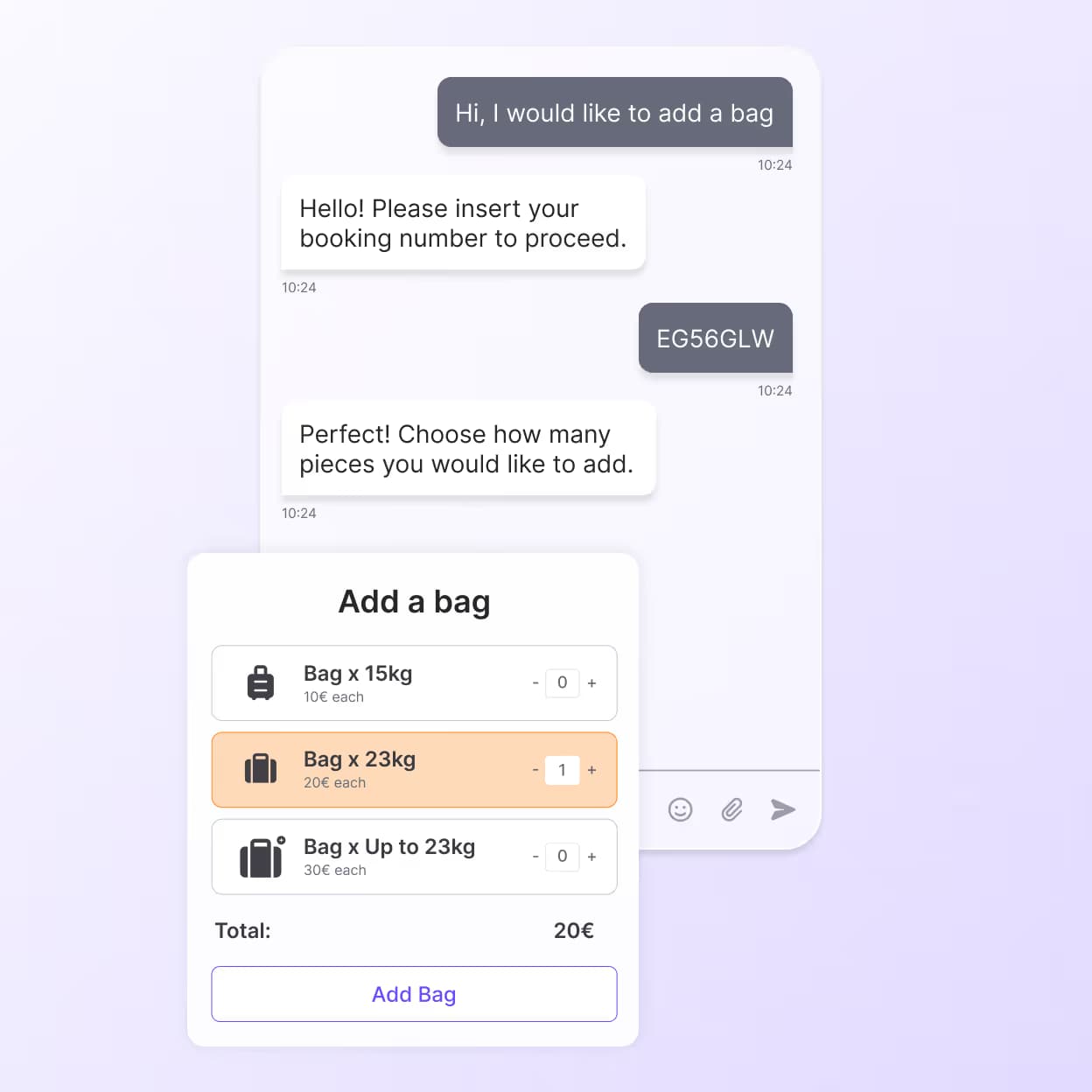
Cut costs with interactive elements

Achieve new levels of efficiency by automating more use cases and queries than ever before. Customers leverage our industry-specific portfolios of interactive elements, combined with AI and decision flows to create experiences that achieve 80% bot compliance.

Boost CSAT illustration

Boost CSAT with amazing user experiences

Increase your CSAT and NPS scores by providing faster, more intuitive self-service with seamless agent handover when required. Provide users with a unified blend of bot and human interactions that deliver smooth experiences that result in a 2X increase in CSAT scores.

Tech stack integration illustration

Level-up your tech stack

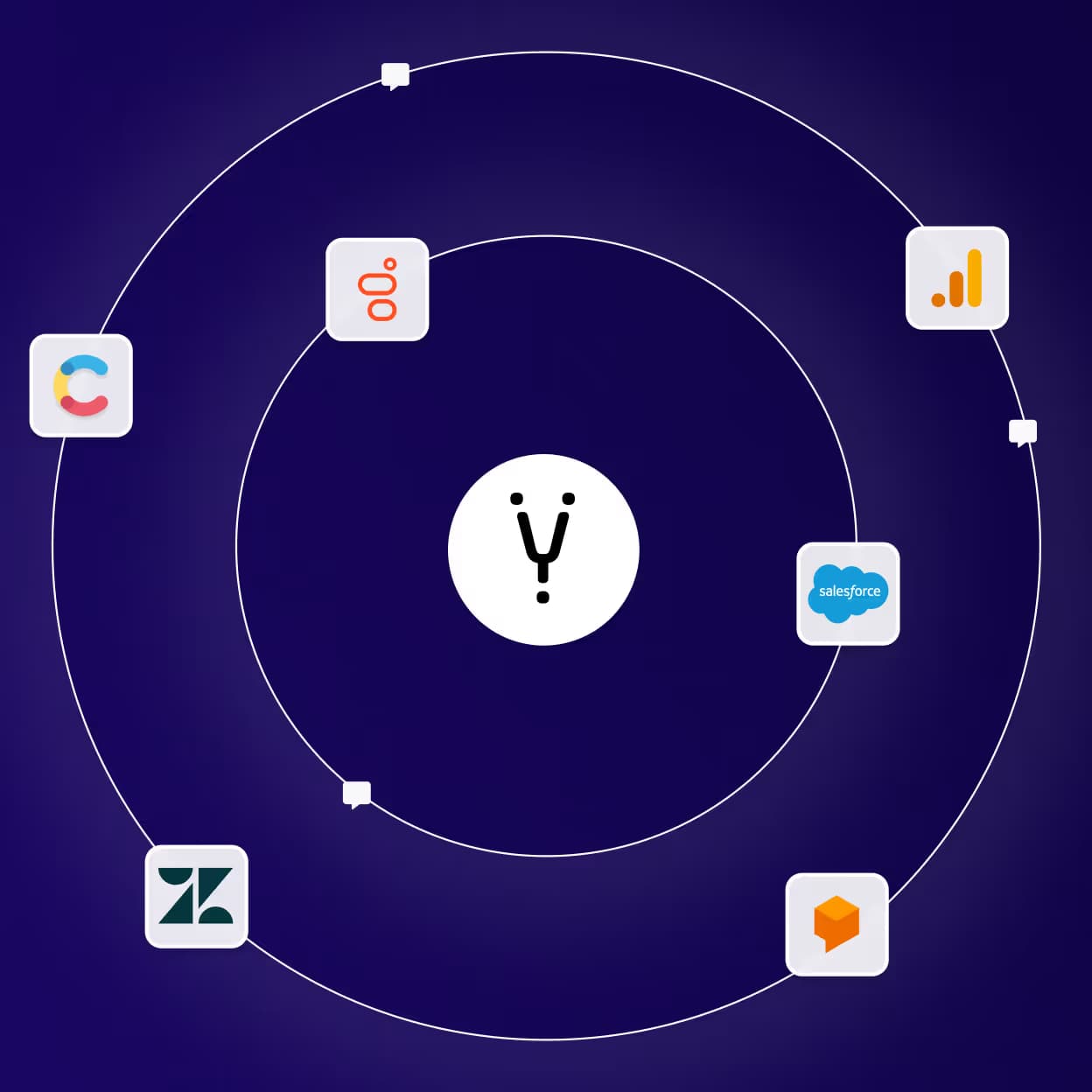
Hubtype integrates seamlessly with your tech stack, giving you all the benefits of our next-generation automation without having to change your existing technologies. We integrate with your CRM, helpdesk, Data analytics, CMS or existing AI.

Get Started with InboxX.ai

Connect with our team for a detailed walkthrough. Learn how an AI-powered Voice Assistant plugs into your processes and improves customer conversations from day one.

Start with InboxX.ai Today

Turn each customer call into a sale. Request a demo today and experience the next standard of automated voice communication.

2M+

Automated chats

24/7

Voice presence

4 mins

Avg. setup time

99%

Satisfaction

See it for yourself -- fill in your details & get an instant AI call demo.
Inboxx.ai frequently asked questions illustration

Frequently Asked Questions

Can a WhatsApp bot understand voice notes and images?

Yes. It transcribes voice, reads images and PDFs, and replies with context in customers’ language & tone.

Does the chatbot handle multiple languages?

Yes. It supports many languages and switches automatically based on user input.

Can it connect to my CRM or store?

Yes. It connects through APIs and prebuilt connectors for tools like HubSpot, Salesforce, Zoho, Shopify, and WooCommerce.

What happens when the bot cannot answer?

It directs the chat to an agent with the full chat history so the user does not repeat the query.

How do broadcasts work on WhatsApp?

You use approved templates and opt-in lists, then schedule or trigger messages as needed.